Turbonice · ELVTR · 2026
Turbonice
A design system that turns ELVTR’s business context into finished materials.
- Role
- Product design
Development & testing - Scope
- Brand system
Generation workflows - Impact
- 61% of routine
design work eliminated - Reach
- Three markets
One scalable identity
Turn recurring design workinto a repeatable process.
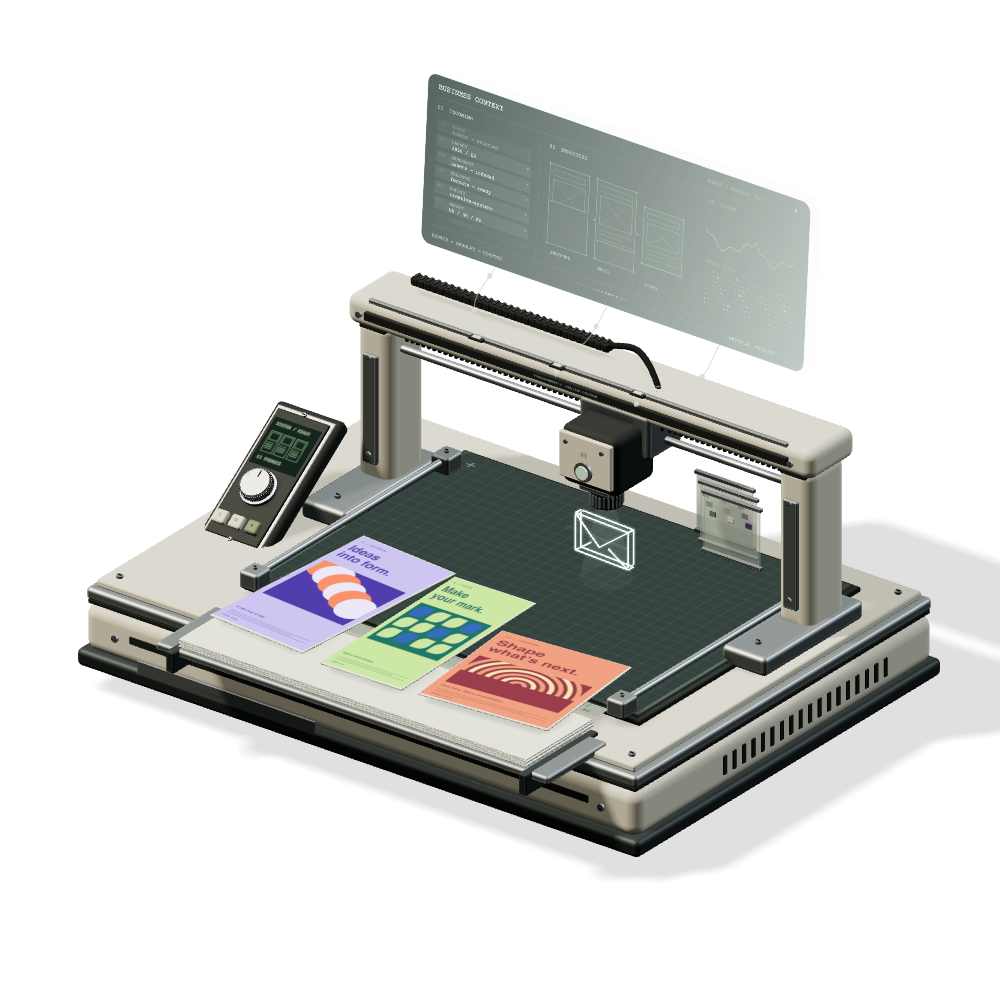
Turbonice is the design production system I built at ELVTR, an online education company. As ELVTR expanded across three markets, every course needed brochures, emails and visual materials adapted for each locale. Rebuilding them by hand could not keep pace.
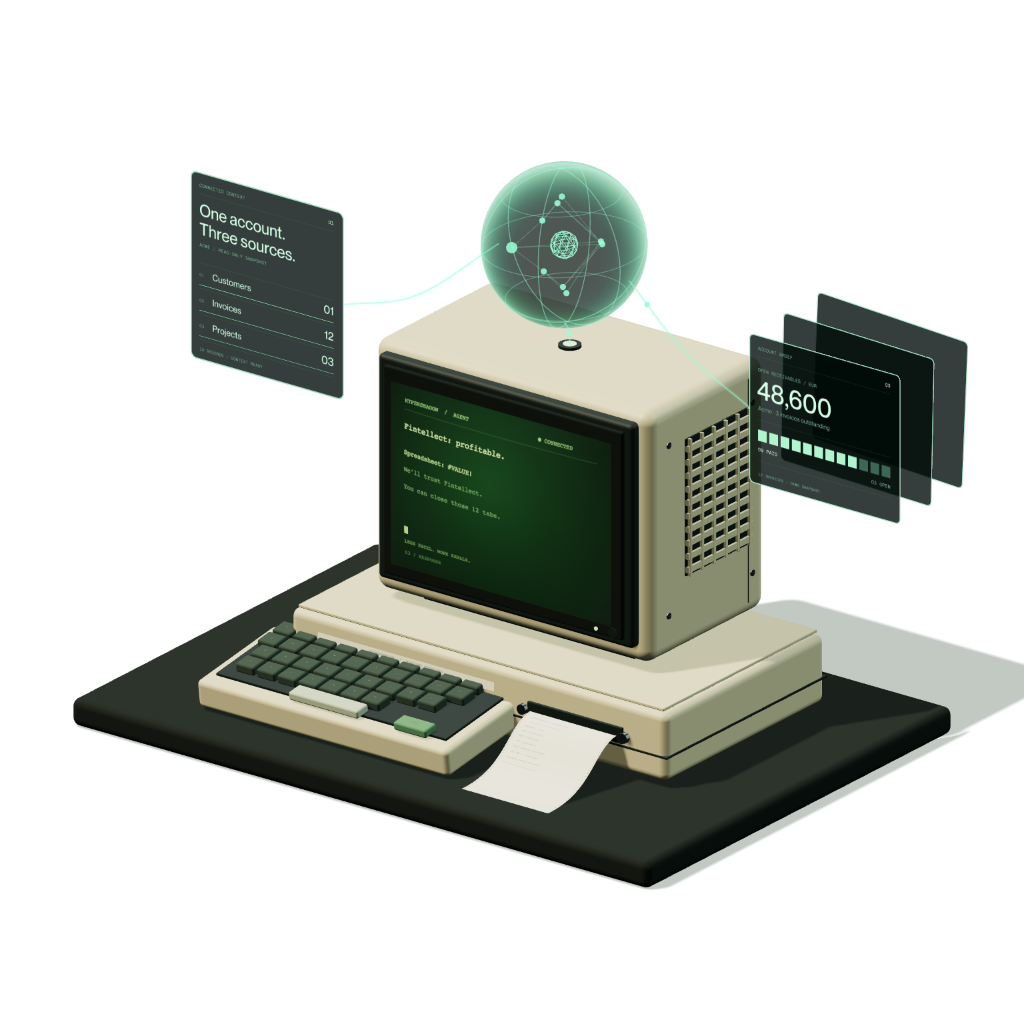
I connected design templates and tools to an AI agent layer that gathers course and business context, prepares the content and runs production workflows. Early versions imported instructor photos from Figma; we later moved that step to an internal photo service. Depending on the workflow, finished materials are delivered to services such as HubSpot and GitHub.
Business context, design tools and delivery belong to one workflow. Figma was part of the early setup; the wider system delivers materials to Google Drive, HubSpot and GitHub, depending on the task.
Programmatic
design agent.
Brand primitives guide how assets are made: their colour, form and visual language. Describe an icon, generate it and add it to a shared library that other templates can use.
Design once.
Adapt every course.
Start with a template, then work directly with its pages, layers and brand palettes. The course brochure keeps its content bindings and layout rules as the design changes.
Follow the work,
step by step.
The workflow gathers course context, checks copy, resolves photography and icons, then populates the template. The canvas follows the active node so each stage stays visible as the run progresses.
Keep production moving.
Requests from different templates enter one queue. Each run moves from waiting to execution and completion, giving the team one place to see what is happening.
See what every AI call costs.
The AI cost ledger records the provider, model, usage and cost of each call. Text and image generation appear in one list, with totals that update as work completes.
The run ends.
The files are ready.
Each workflow turns course context into files the team can use: course documents, classroom images, lesson intros and supporting graphics.
The final steps render the material and deliver the output. Here, a selection of real template previews shows what comes out of Turbonice.
61% less routine
design work.
Across three markets, Turbonice eliminated 61% of routine design work by moving recurring material production into templates and workflows. The brand guidelines became working software, with enough structure to scale and enough variation to serve different courses.
Designers can focus on new ideas and exceptions while the system handles repeatable production.