← Portfolio

Hypershadow · 2025—2026

Hypershadow

The software stays.
The interface changes.

Embedded AI infrastructure.
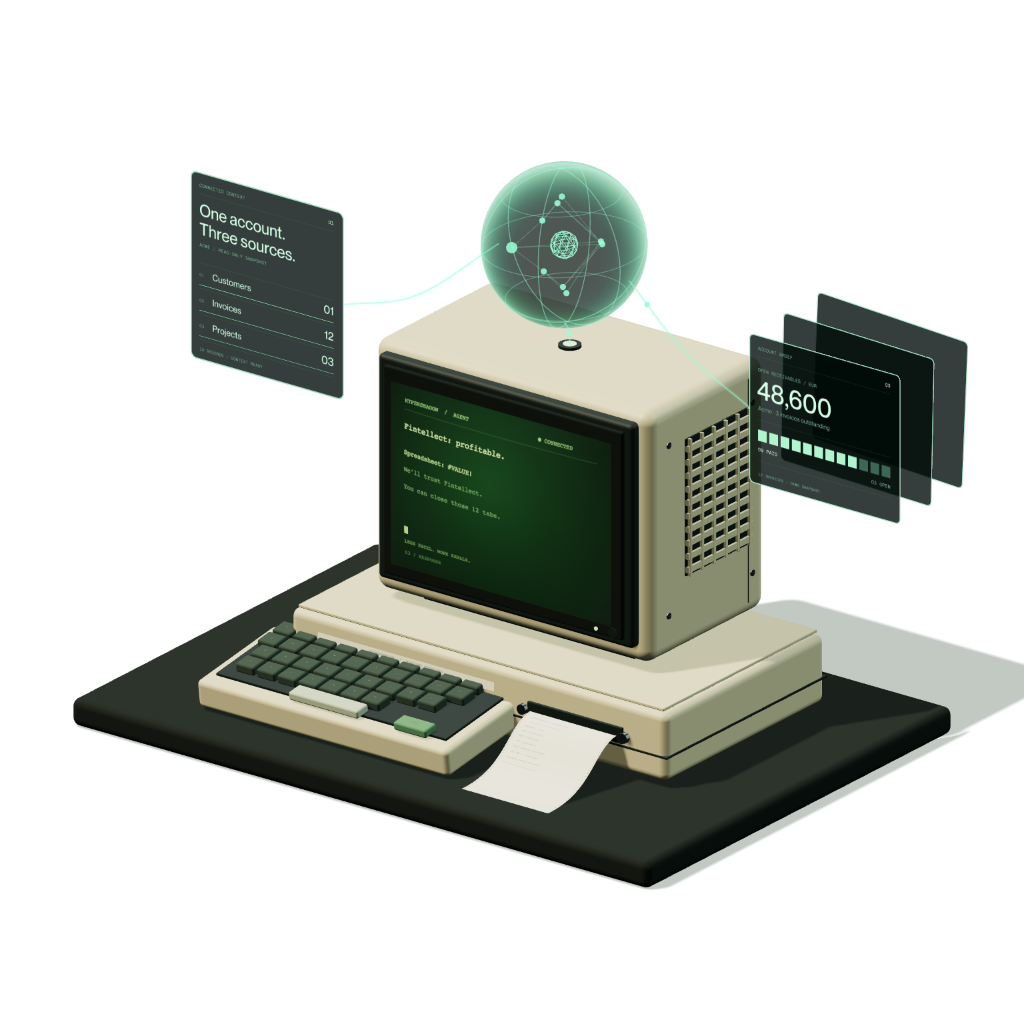
Hypershadow isometric instrument with a terminal and holographic intelligence
Drag to view
Role
Co-founder
Chief Product Officer
Scope
Product strategy
UX/UI · Founder-led ops
Product
Embedded AI agent
for B2B software
Platform
Widget · Builder
Connector · Playground

Top 100 EU startups

1991 Accelerator × EBRD · graduates

A copilot belongs inside the product.

Established B2B software already holds the data, permissions and workflows people depend on. Replacing that product with a detached chat window creates another place to work.

Hypershadow connects to the existing API, turns approved endpoints into tools and returns a styled agent interface that can query data and take action inside the host product.

Your APIs. A controlled agent. Embedded in your UI.
From an API definition to a controlled agent inside the product An OpenAPI file is imported and approved as tools. A semantic index supports search, while operation schemas define parameters and responses. The runtime uses this context and a connected language model to process chat requests. It validates actions and calls the host API using the signed-in user's session. The themed widget is embedded in the host product. HOST PRODUCT HYPERSHADOW MODEL CONNECTOR WIDGET OPENAPI FILE API definition HOST API Existing endpoints Actions use the current user’s access rights. PRODUCT UI Widget inside the host app SIGNED-IN USER SESSION IMPORT Parse the API definition and review its endpoints APPROVED TOOLS Allowed endpoints · parameters · confirmation rules SEMANTIC INDEX Find relevant operations SCHEMA CONTEXT Parameters and responses AGENT RUNTIME Search → validate → confirm when required → call Return the result and action trace to the conversation CONNECTED LLM Provider + model settings OPENAI CLAUDE GEMINI MISTRAL GROK GLM WIDGET SETTINGS Theme · states · placement CHAT UI Questions · confirmations Answers · action traces EMBED THE WIDGET IN THE HOST PRODUCT
How it worksApproved API endpoints become searchable tools with explicit schemas. The runtime works with the selected model, validates actions and calls the host API with the user’s session. A themed widget carries the conversation inside the product.

Configure behaviour and appearance together.

The back office keeps one agent’s identity, model, tools and widget in a single sidebar. In the Widget tab the interface builder shows the live widget beside its settings: theme, position, the state being styled and the shape, colour, caption and size controls for that state. Every control here is the product’s own, wired to the widget config.

01 / Interface builderThe product’s own design editor next to the real widget. Theme and Position set the preset and corner; State picks what is being styled, from the collapsed bubble to the three failure screens, and the Shapes, Colours, Captions and Size tabs edit that state live. In General the widget talks to the Acme SaaS mock: questions are typed into it, trace steps stream in and the answer types out; every design change restarts the conversation.

The API becomes a legible toolset.

An OpenAPI file is imported, its host and headers are set once, and every endpoint is listed with its method. Product teams decide which endpoints the agent may call and which changes need a confirmation in the chat.

Tools tab · the tabs inside work too
02 / Swagger integrationOne integration per API: host and headers, the imported endpoint list where every endpoint opens into Basic, Parameters and Response, and an interactive graph of tags, endpoints, schemas and parameters built from the same Swagger.

Models stay replaceable behind one agent.

The AI Models tab starts with the provider grid. Picking a provider opens its own settings form as the backend declares it: keys, model identifier, token limits, instruction and sampling. Switching provider keeps the agent’s tools and widget untouched. The screen below opens providers by itself; click a card, or AI Models in the sidebar, to take over.

AI Models tab
03 / Chat modelsOpenAI, Claude, Gemini, Mistral, Grok and GLM ship today; DeepSeek, Llama, Qwen, Hermes and Gpt-oss are queued. Each card opens the provider’s own settings form as the backend declares it.

Test the action, not only the answer.

Developer mode in the Test tab runs the agent against the connected API and shows what happened: every trace step in the chat, token usage for the LLM and the embedding search, and the full log of any step you click. The playground below is live: the AI-Copilot conversation keeps going, each trace opens in the log panel, and the Developer mode switch shows the same chat the way an end customer sees it.

04 / Agent playgroundA live Test tab against the Acme SaaS mock: requests, trace steps and answers keep coming, token usage adds up per session, the folder rename the host API refused shows its 403 payload, and any step you click opens in the log.

Designed the system behind the promise.

I shaped the proposition, product architecture and interaction system with the founding team—connecting customer discovery to the practical constraints of APIs, model routing, embedded widgets and observable agent behaviour.
hypershadow TechChill · on stage
The Hypershadow pitch on the TechChill stage.

More selected work