Branchline · 2026
Branchline
Keep every useful path.
Visual generation workflows.
- Role
- Product strategy
UX/UI · Engineering - Scope
- System design
Working prototype - Product
- Image and video
Generation workflows - Stack
- FLUX.2 · FLUX 3 Video
Next.js · Cloudflare D1 / R2
A prompt is not a workflow.
Useful visual generation takes references, parameters, comparisons and retries. A chat box hides that process, then forgets how the approved result was made.
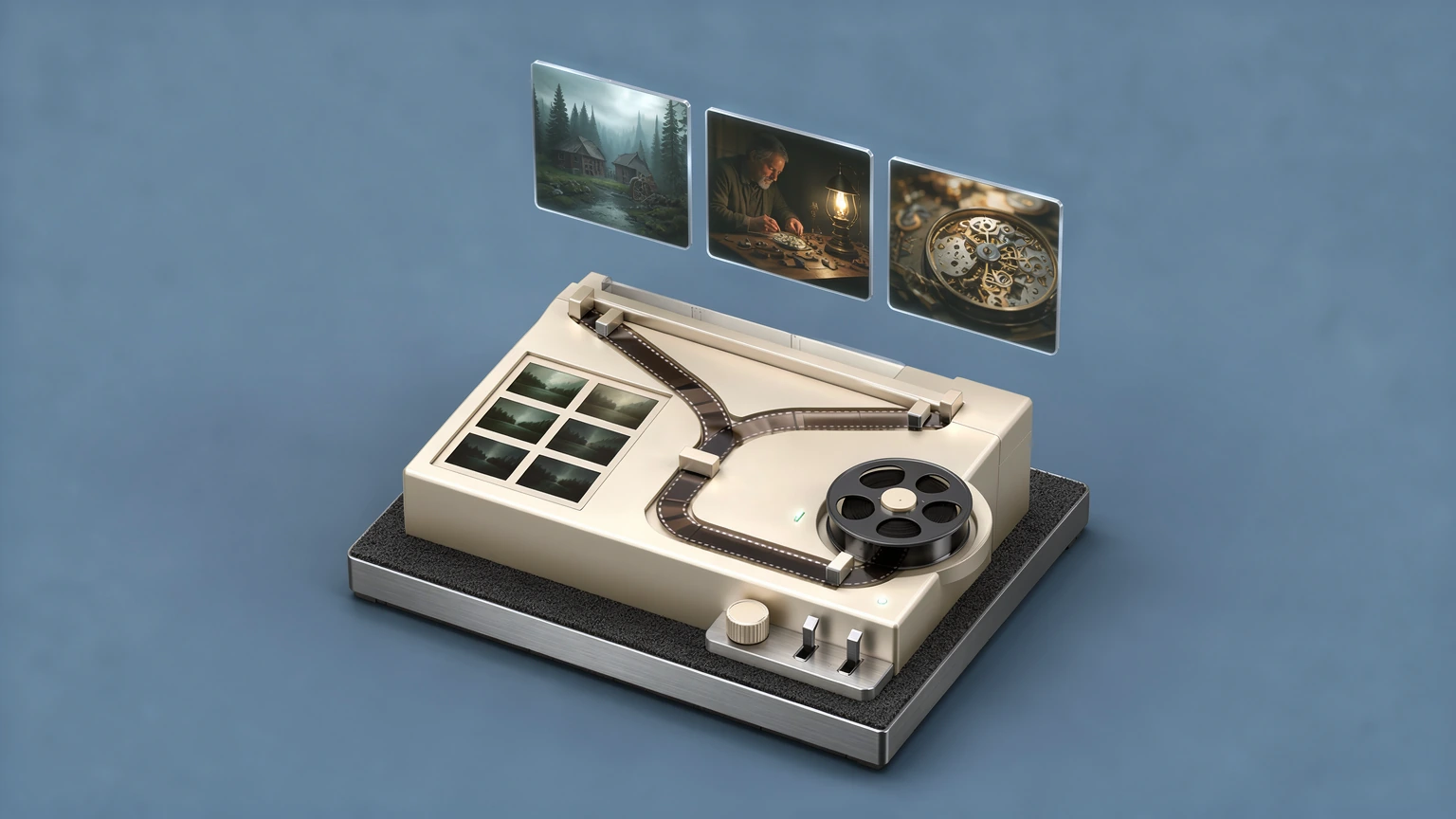
Branchline keeps the image, its generation receipt and every decision around it. A frame can branch into a lens or light variation, a motion draft or a final export without losing its parent.
Generate, compare, branch and ship from one visual history.
One root frame, explicit next decisions.
The Frame Stack treats a still as a locked root. Each branch inherits the recipe and adds exactly one decision: a lens, a light, a colour or a polish pass. The demo below is the clockmaker exploration that ships with the app: a Cooke path and a Zeiss path, each extended by one lighting iteration.
One idea becomes a sequence.
Scenes turns a paragraph into an ordered shot list. Each scene node holds its still, its takes and a four-step pipeline: Frame, Motion, HD and Full HD. The seeded demo, “The Work That Keeps Time”, is a ten-scene cinematic pre-visualisation with draft clips already rendered.
Approve the cut at draft rate.
The Reel node assembles the draft clips in scene order with the German subtitles from the board, lets you trim each cut range and prices the whole reel at draft, HD and Full HD rates. Enhancement is spent only on the shots that earn it.
Every scene keeps its alternatives.
A scene gives each take its prompt and references. Refining a frame creates another take without losing the earlier ones. The selected frame becomes the starting point for motion; the reel puts those clips in order.
Built far enough to test the system.
The working prototype covers live FLUX.2 generation, persistent outputs, shared history, the Frame Stack, scene breakdown with takes, draft clips and the reel plan. It proves the workflow model before expanding into a looks library and reusable graphs.